Managing Home page shortcut
The following are the steps to edit an existing custom Home page shortcut(s) details:
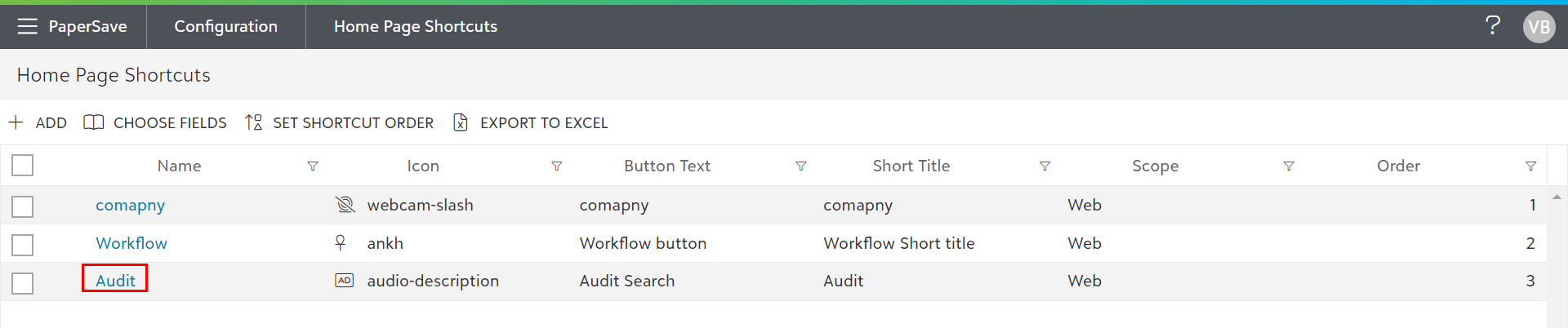
1) Click on the Home page shortcuts tile in the General Settings section of the Configuration Area to open the list of shortcuts.
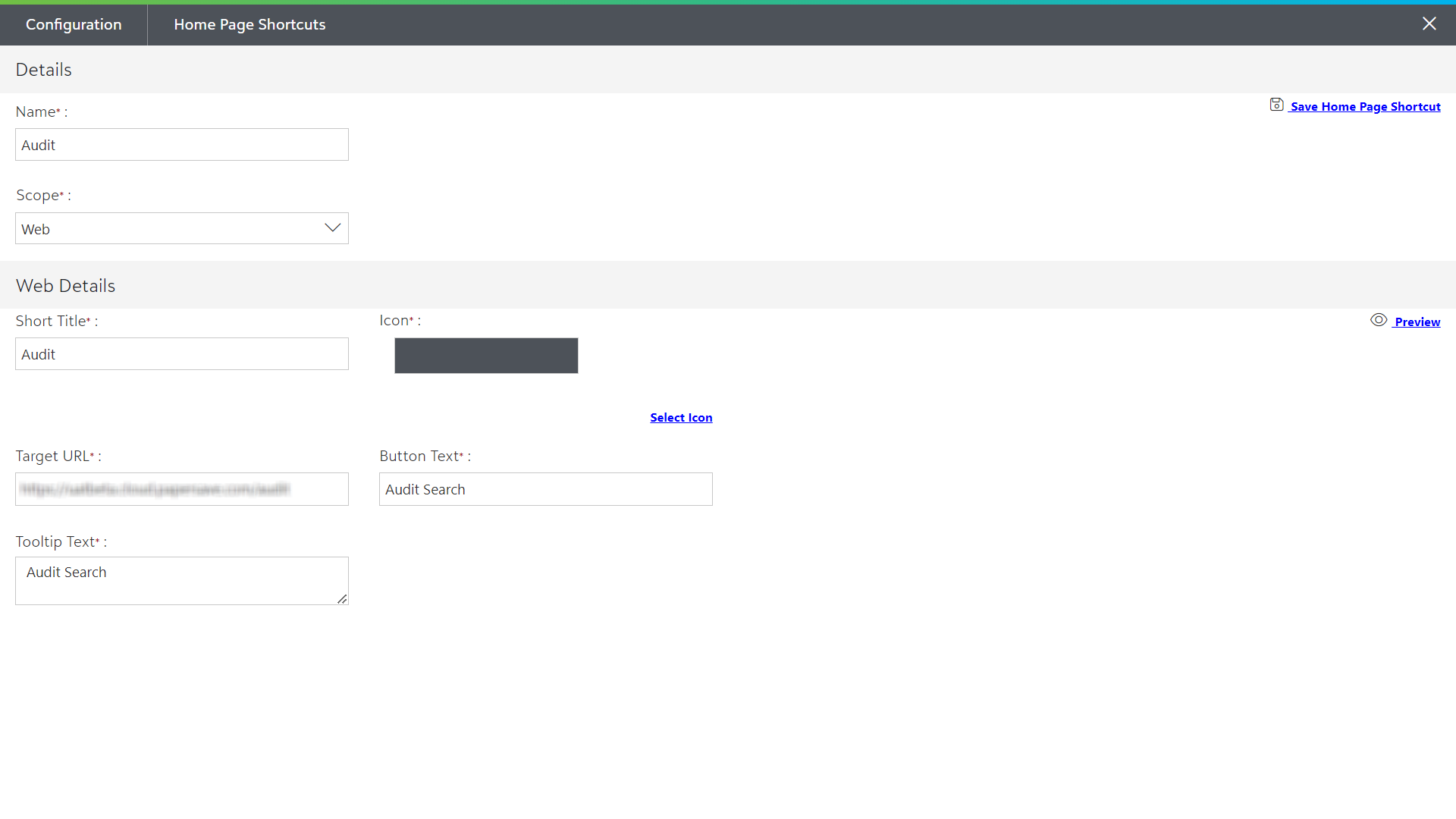
2) Click on the shortcut name to open it for editing.
3) You can edit all the items on this page except for the scope. When you are finished with the edits, click on the X in the upper-right corner or press the Esc key from the keyboard to update the shortcut details.